2026-02-25 06:07:22
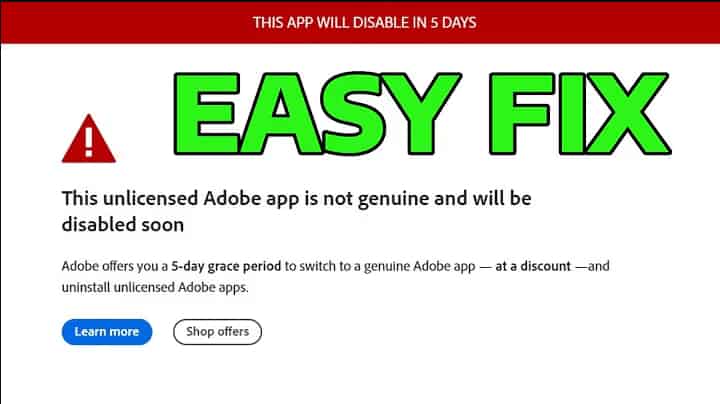
Tired of Adobe auto-updates causing CPU spikes and annoying pop-ups? This comprehensive guide provides step-by-step methods to permanently disable Adobe Updater on both Windows and Mac. We also uncover the hidden costs of blocking these services—such as losing core Firefly AI features—and show you how to secure a genuine Adobe license at a massive discount.
2026-02-24 07:28:46
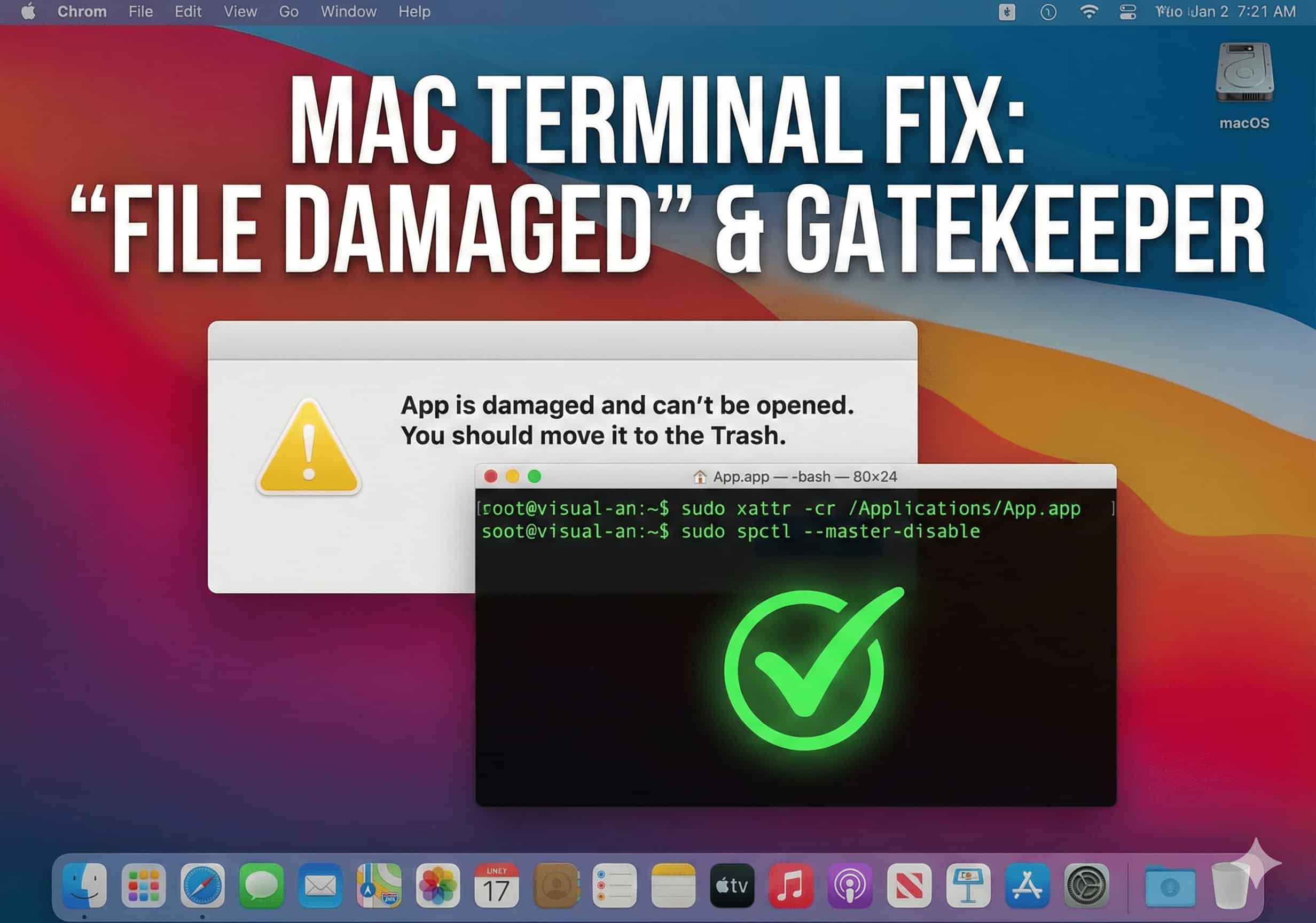
Getting the "app is damaged and can't be opened. You should move it to the Trash" error on your Mac? It's not a broken file; it's macOS's Gatekeeper blocking it. Learn how to easily bypass this security quarantine using sudo spctl and xattr Terminal commands in just a few seconds.
2026-02-24 07:18:44
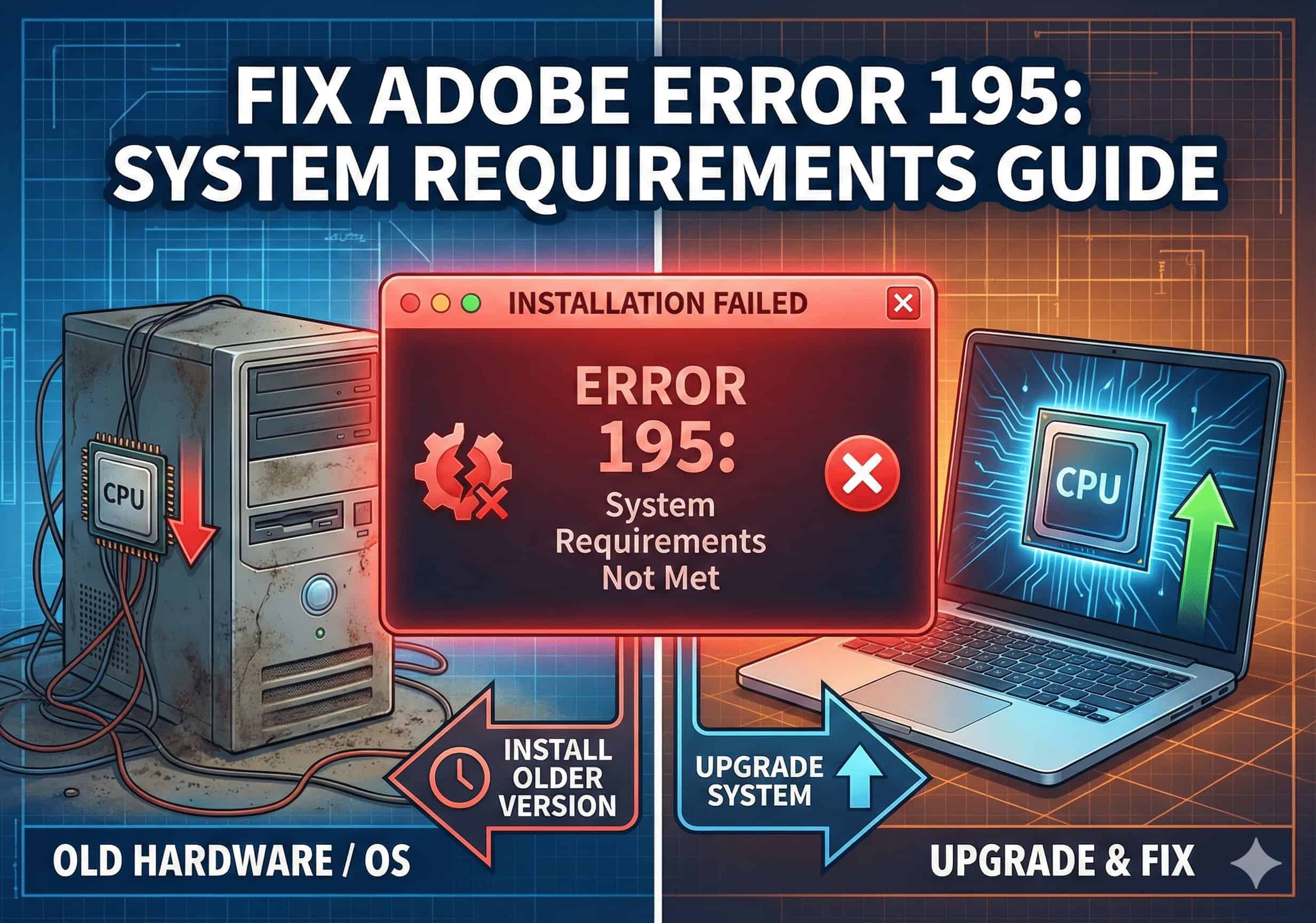
Blocked by "Error 195: System requirements not met" when trying to install Adobe apps? This guide explains the root cause and provides 3 practical solutions—including how to upgrade your OS or install older, compatible versions of Photoshop and Premiere Pro.
2026-02-24 06:38:57
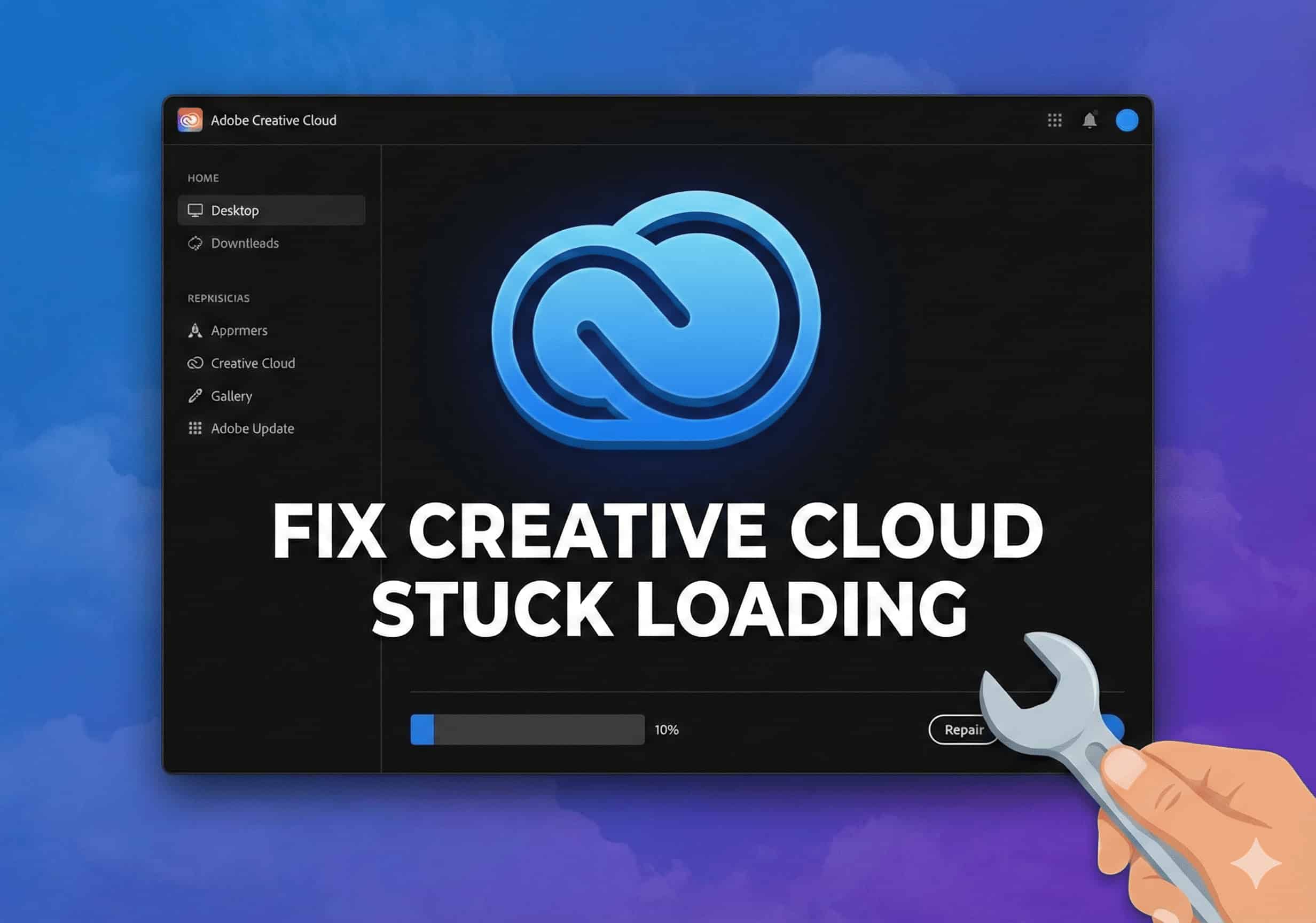
Is your Adobe Creative Cloud app stuck on an endless blue spinning wheel or a blank screen? Learn how to quickly fix this loading issue in 3 simple steps by force-quitting background processes and clearing the corrupted OOBE cache folder.
2026-02-24 06:22:25
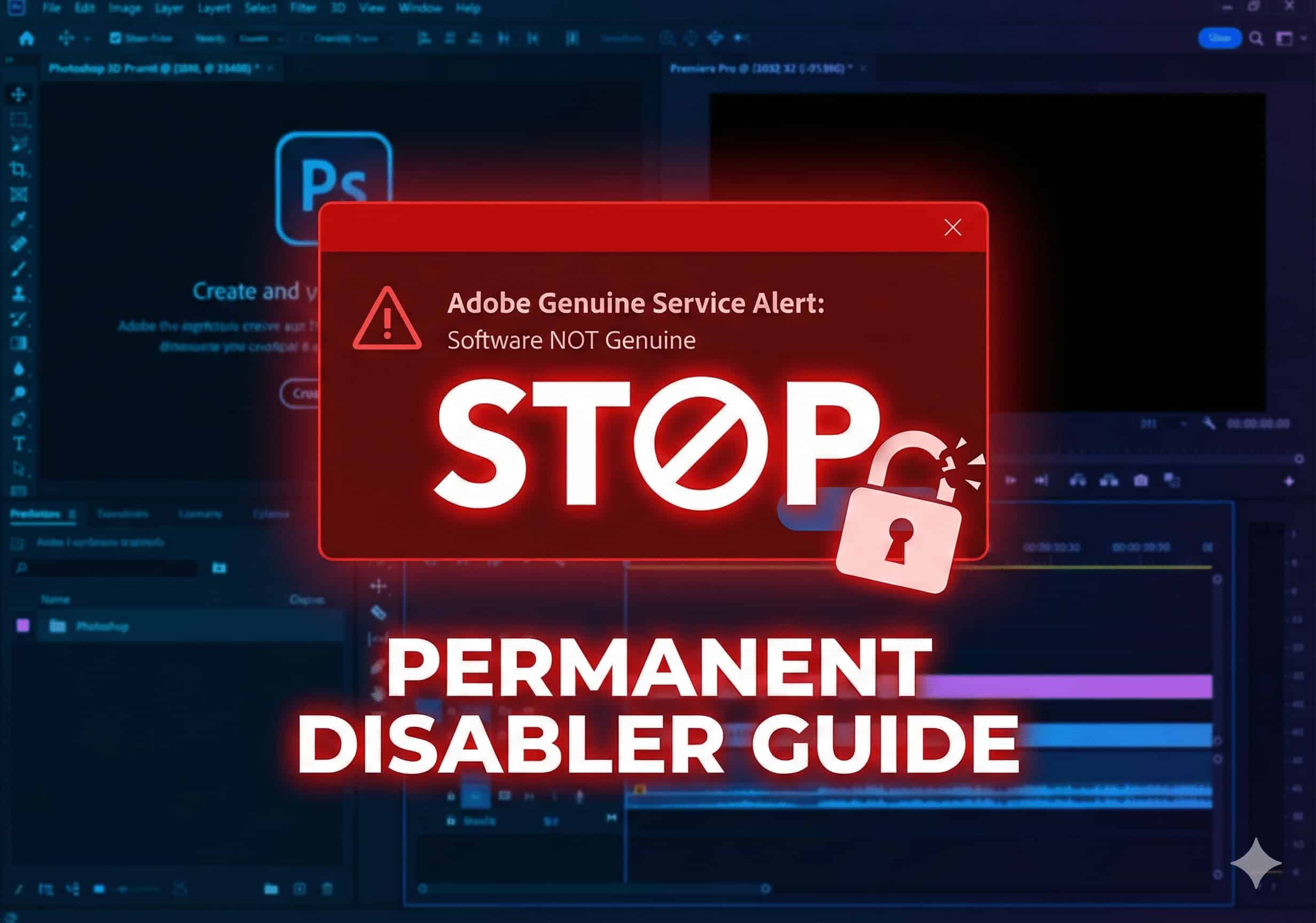
Constantly interrupted by "The Adobe software you are using is not genuine" warning? This guide provides 3 professional steps to permanently disable the Adobe Genuine Software Integrity Service (AGS) by stopping background services, deleting core folders, and clearing scheduled tasks.
2026-02-24 06:10:04
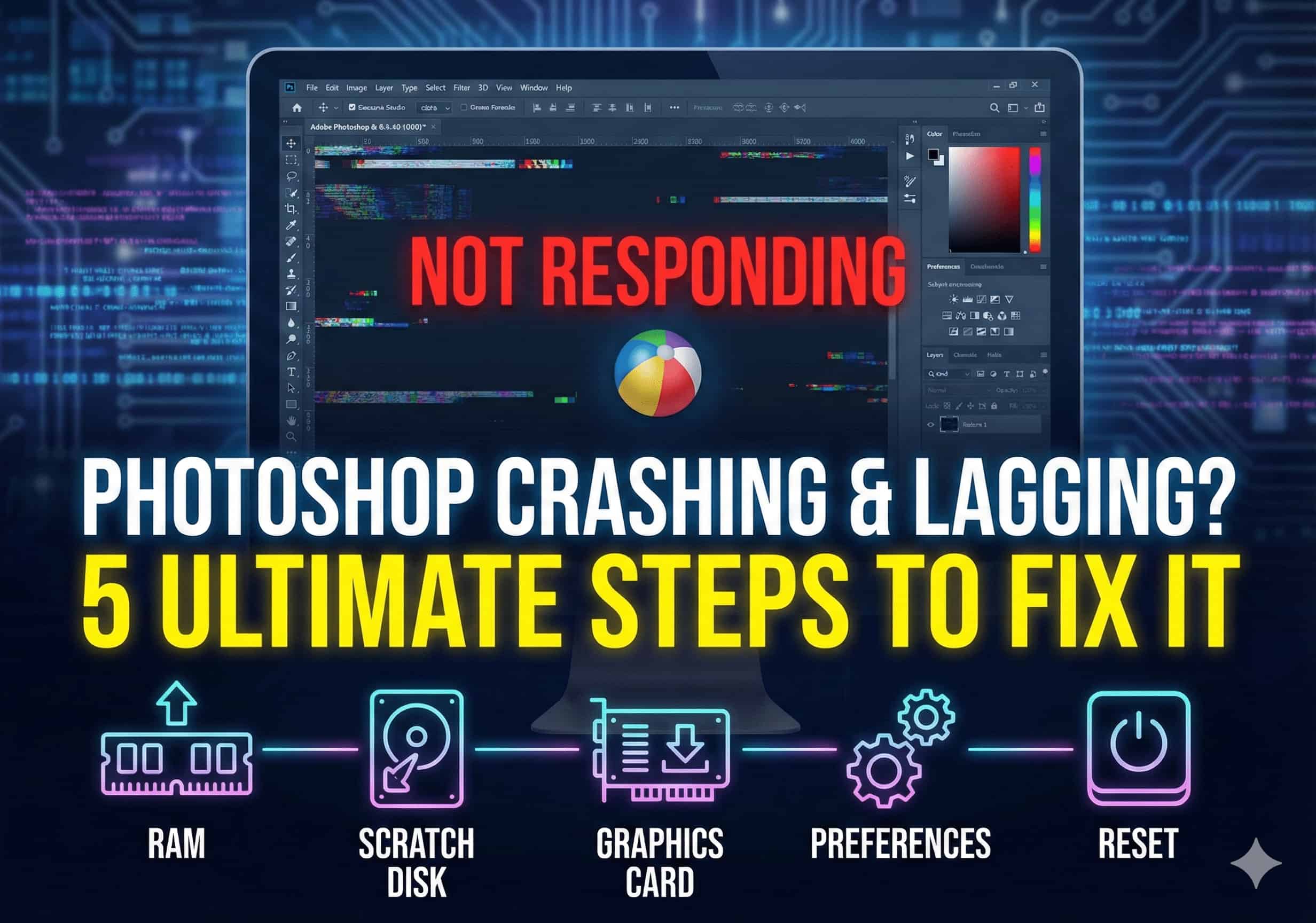
Is your Photoshop constantly freezing, lagging, or crashing unexpectedly? This guide provides 5 proven solutions to fix your performance issues. Learn how to optimize RAM settings, clear your scratch disk, and update GPU drivers to restore a smooth and flawless design workflow.
2026-02-24 05:55:17
Experiencing installation failures or "Error Code 205" in Adobe Creative Cloud? This frustrating issue is usually caused by residual files from pirated software modifying your system's Hosts file. Learn 4 proven steps—including editing the Hosts file and using the official CC Cleaner Tool—to fix Error 205 permanently and resume your downloads.