2026-02-25 06:30:22
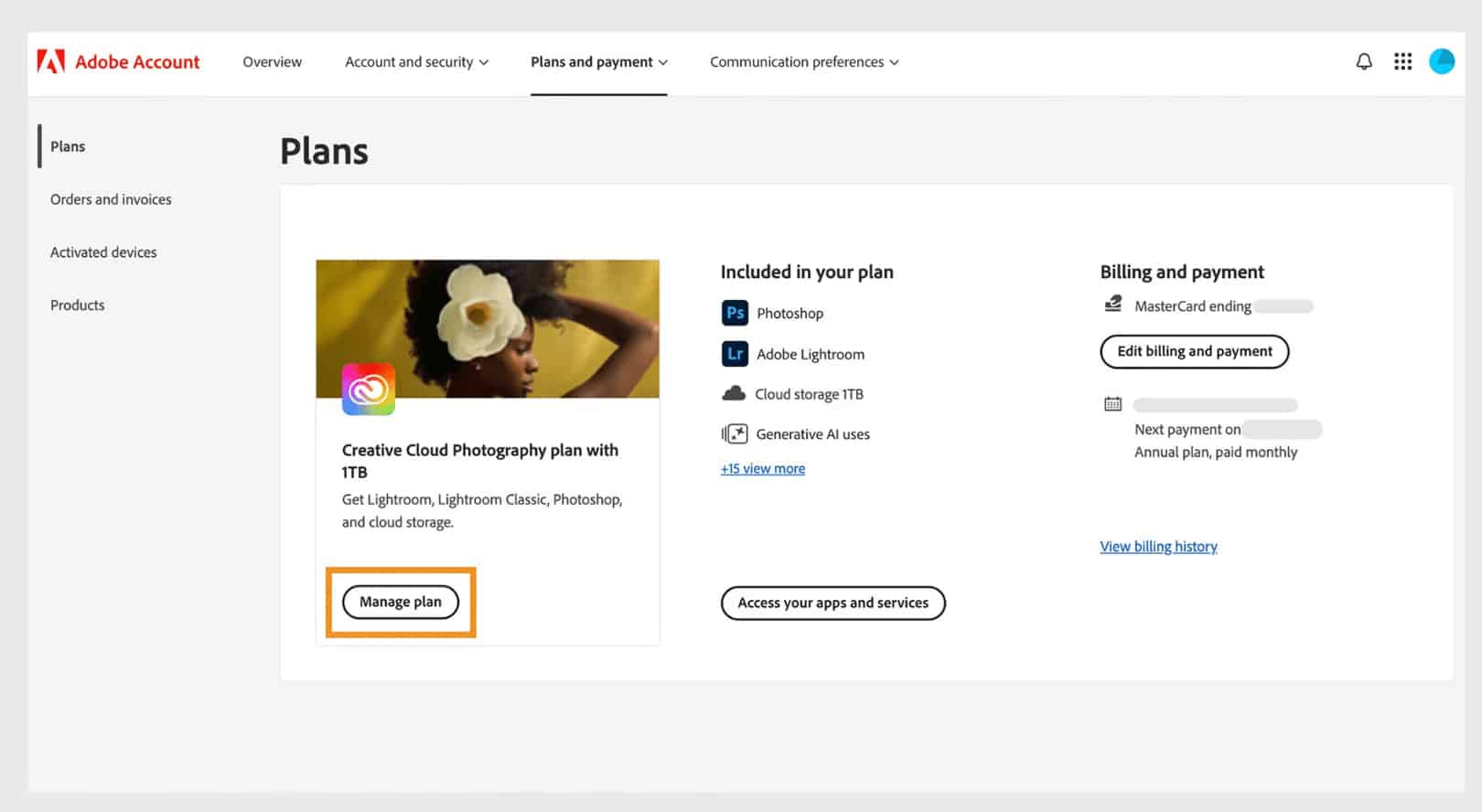
Stop paying high monthly fees and confusing contract penalties. This 2026 guide walks you through the exact steps to successfully cancel your Adobe Creative Cloud subscription and avoid the dreaded 50% early termination fee. Plus, discover a contract-free, genuine Adobe alternative.
2026-02-25 06:07:22
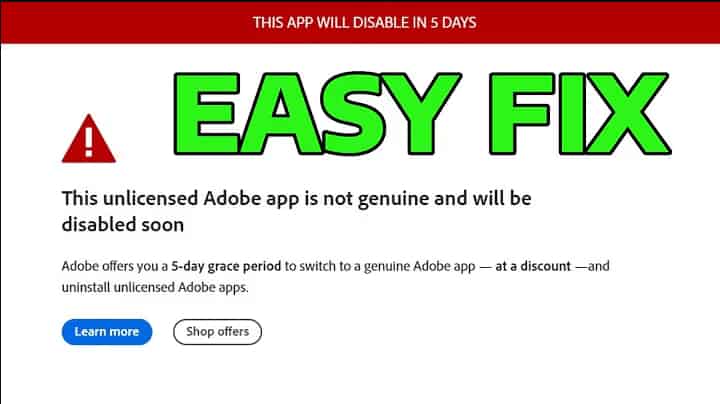
Tired of Adobe auto-updates causing CPU spikes and annoying pop-ups? This comprehensive guide provides step-by-step methods to permanently disable Adobe Updater on both Windows and Mac. We also uncover the hidden costs of blocking these services—such as losing core Firefly AI features—and show you how to secure a genuine Adobe license at a massive discount.
2026-02-24 10:20:33
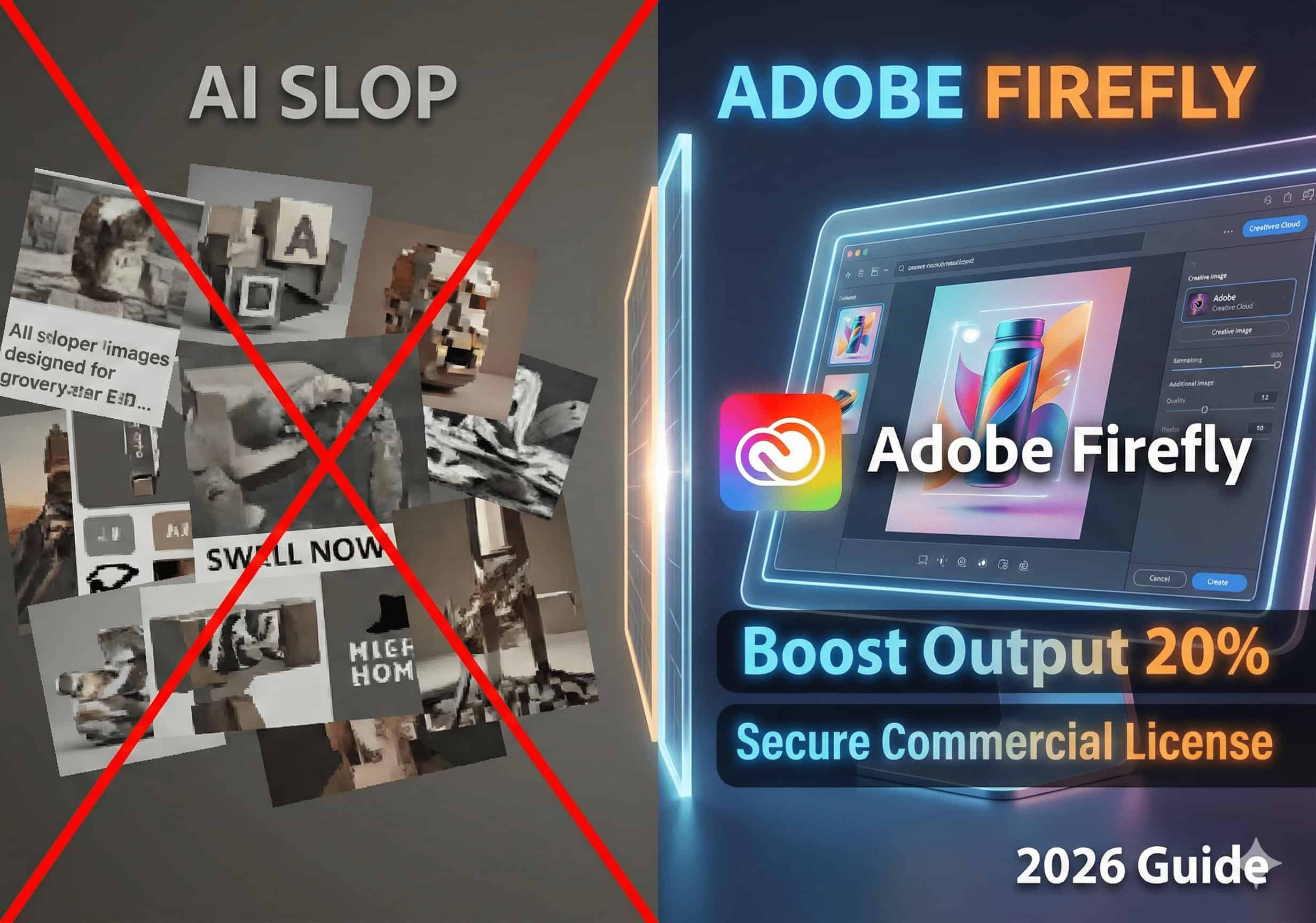
Stop chasing volume with low-quality AI slop. Discover the 2026 design workflow to master trends like "Surreal Silliness." Learn how to use native Adobe Firefly to cut iteration cycles by 33% and build an indestructible moat with 100% safe commercial licensing.
2026-02-24 09:22:20
Stop repetitive tasks! This guide highlights 10 essential free plugins and scripts for Adobe Illustrator. From path optimization to automated specs, unlock professional workflows while enjoying 200GB Cloud Storage and Firefly AI vector generation with a genuine license.
2026-02-24 08:46:10
Unlock the magic of Adobe Firefly. This comprehensive guide covers everything from basic image expansion to advanced prompt engineering. Learn how to master Photoshop's Generative Fill and why a genuine license is essential for uninterrupted AI performance.
2026-02-24 08:24:34
Is the fanless MacBook Air M3 a "web browser" or a "workhorse"? We tested its real-world performance in Photoshop's AI tools, 4K video editing, and After Effects motion design. This report breaks down the M3 chip's limits and provides essential RAM and storage recommendations for Adobe power users.
2026-02-24 08:17:09
In 2026, 8K workflows and AI-generative effects are standard. A "just okay" PC won't cut it. This guide breaks down the best setups for Premiere Pro and After Effects, featuring Intel Core Ultra, NVIDIA RTX 50 series, and Apple M5 chips for ultimate productivity.
2026-02-24 08:13:53
Looking to save on Adobe subscription fees? We tested Photopea, GIMP, Krita, and more. While free tools are great for hobbyists, this guide reveals why the "Adobe Firefly AI" ecosystem and industry-standard compatibility make the official Photoshop irreplaceable for professionals.
2026-02-24 08:05:23
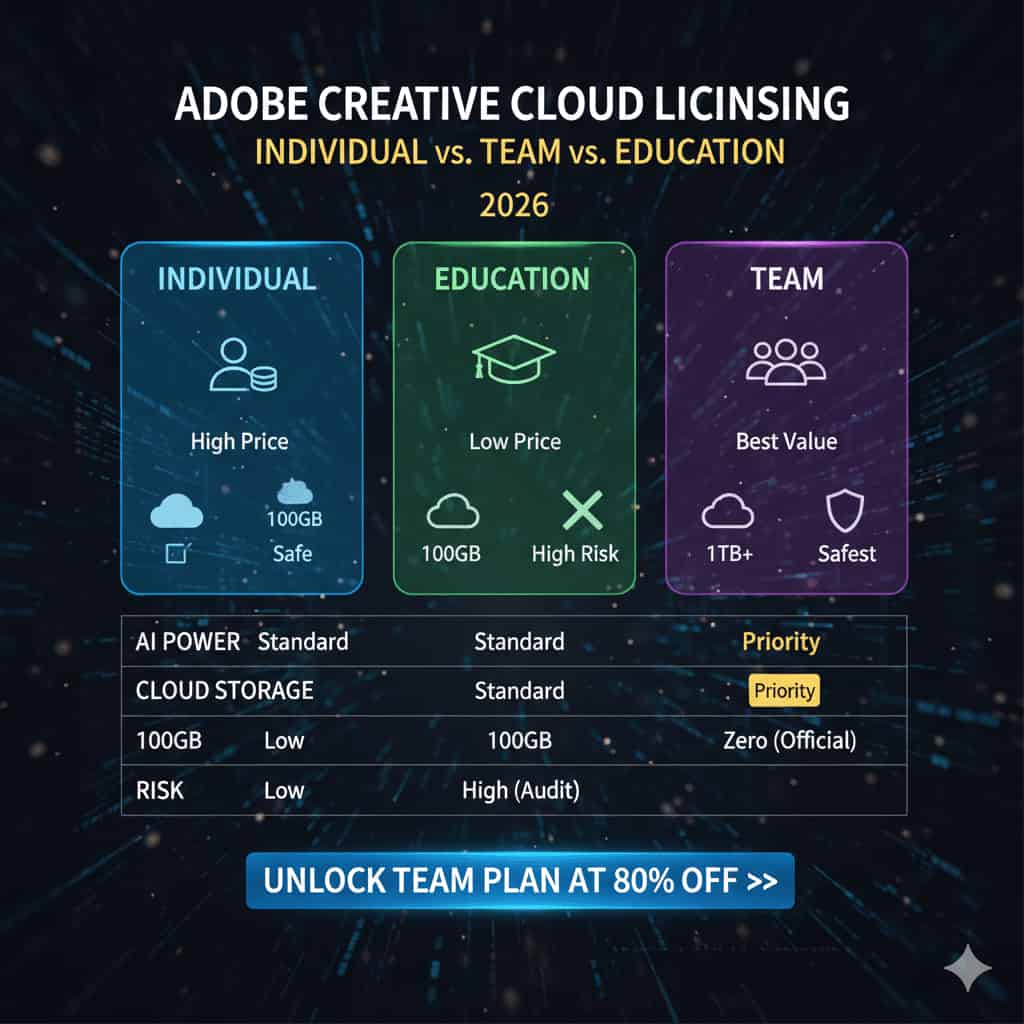
Choosing between Adobe Individual, Team, and Student plans? We break down the key differences in pricing, management, storage, and AI priority. Learn why the Team license is the safest bet for professionals and how to get it at a fraction of the cost.
2026-02-24 07:59:15
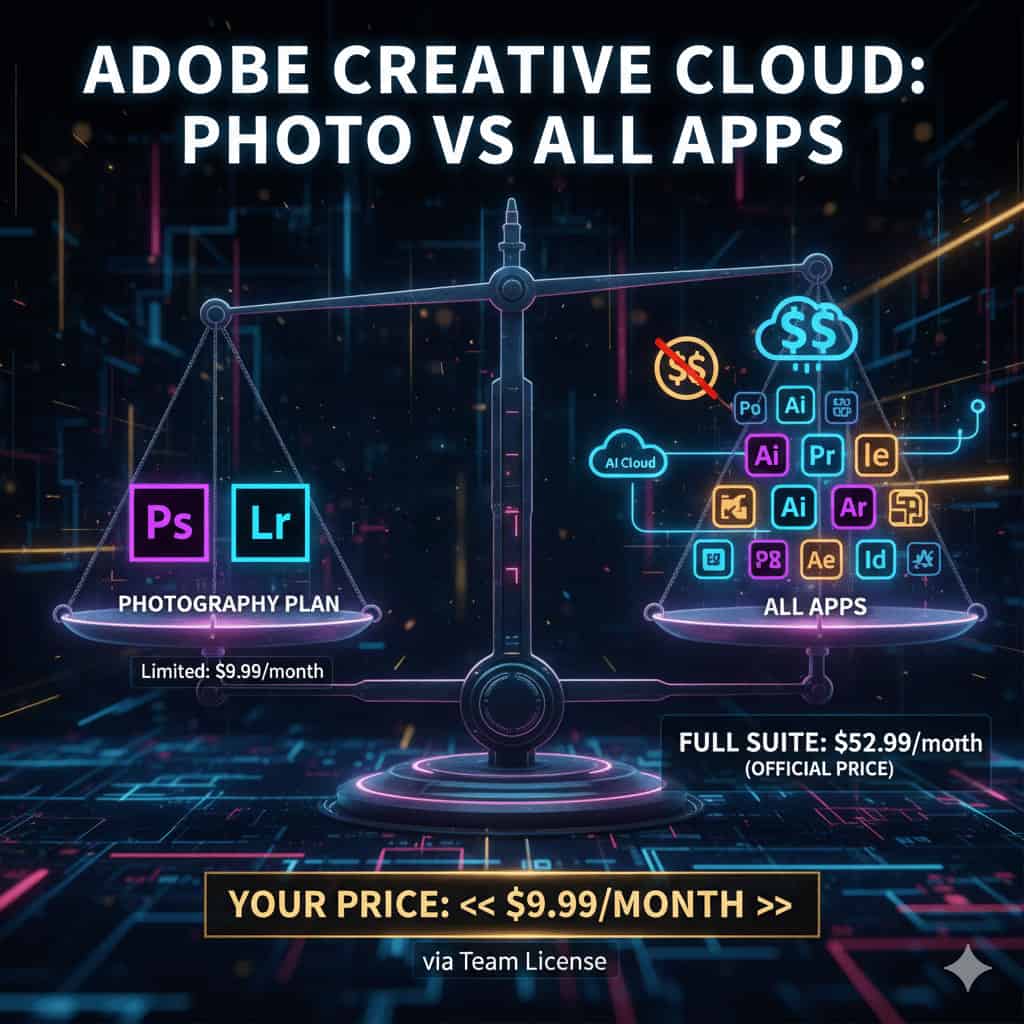
Torn between the affordable Adobe Photography Plan and the expensive All Apps suite? This guide compares their core features, explains why modern creators need more than just Photoshop, and shows you how to get the entire Creative Cloud suite at a massive discount.
2026-02-24 07:43:34
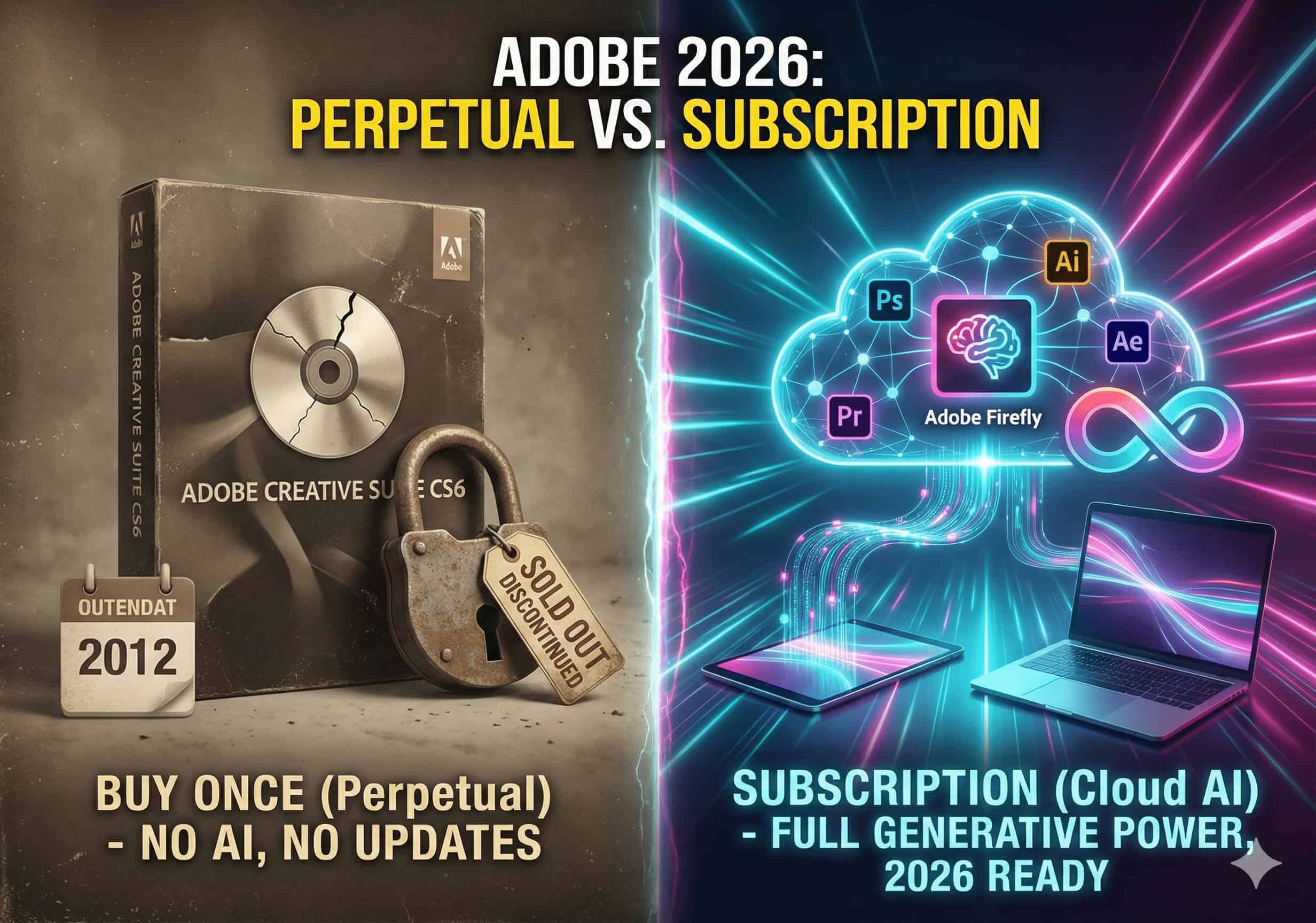
Looking to buy Adobe software once and use it forever? We compare the 2026 Adobe perpetual license (Elements) vs. the Creative Cloud subscription. Learn why professionals must embrace the subscription model for AI features, and discover how to get a genuine subscription at a massive discount.
2026-02-24 07:37:36
Is the official Adobe subscription too expensive, but cracked versions lack AI features? Discover 3 proven ways to get a cheap, genuine Adobe Creative Cloud All Apps plan in 2026. Avoid VPN bans and learn how to safely unlock official AI tools without a student ID.
2026-02-24 07:28:46
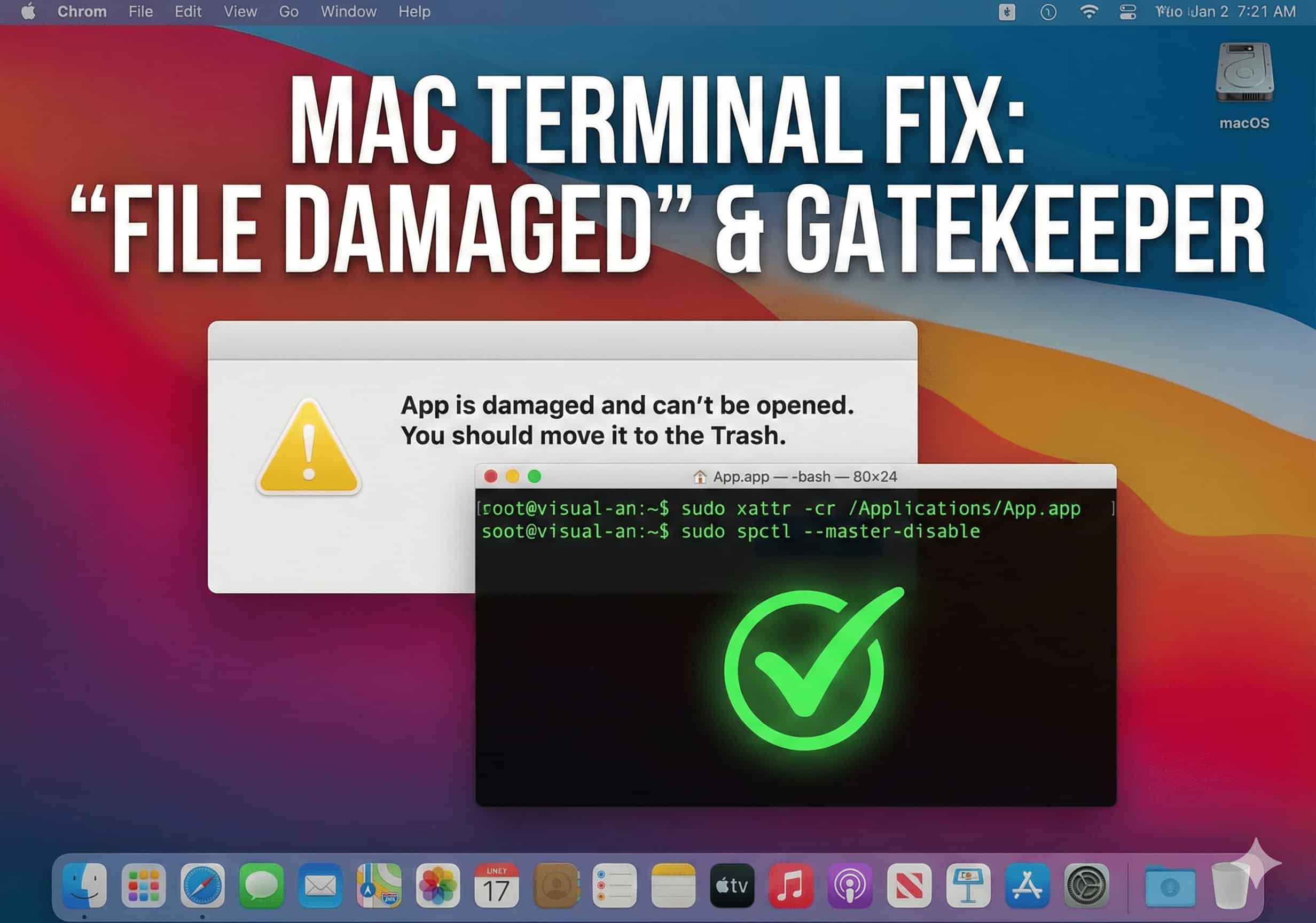
Getting the "app is damaged and can't be opened. You should move it to the Trash" error on your Mac? It's not a broken file; it's macOS's Gatekeeper blocking it. Learn how to easily bypass this security quarantine using sudo spctl and xattr Terminal commands in just a few seconds.
2026-02-24 07:18:44
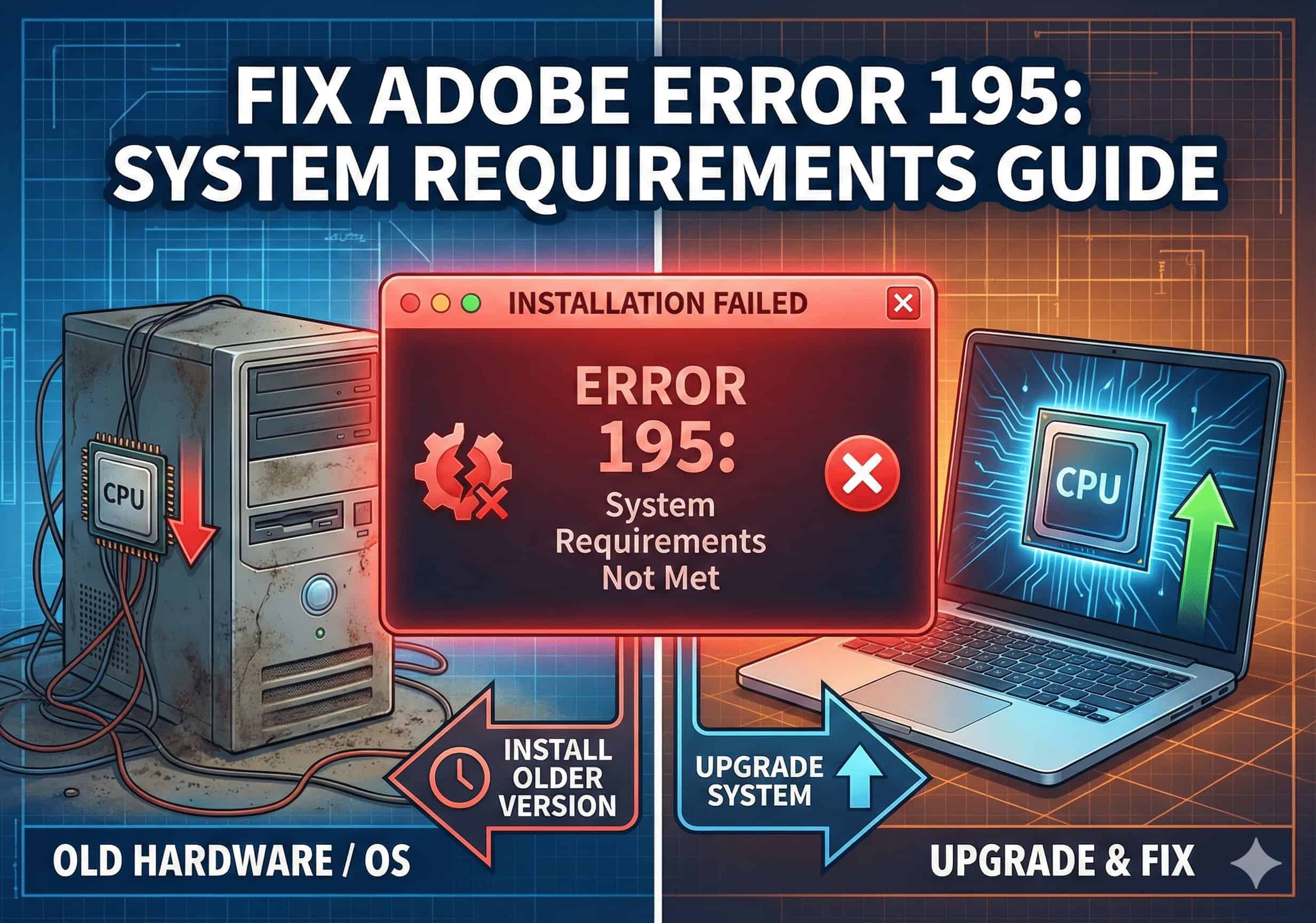
Blocked by "Error 195: System requirements not met" when trying to install Adobe apps? This guide explains the root cause and provides 3 practical solutions—including how to upgrade your OS or install older, compatible versions of Photoshop and Premiere Pro.
2026-02-24 06:38:57
Is your Adobe Creative Cloud app stuck on an endless blue spinning wheel or a blank screen? Learn how to quickly fix this loading issue in 3 simple steps by force-quitting background processes and clearing the corrupted OOBE cache folder.
2026-02-24 06:22:25
Constantly interrupted by "The Adobe software you are using is not genuine" warning? This guide provides 3 professional steps to permanently disable the Adobe Genuine Software Integrity Service (AGS) by stopping background services, deleting core folders, and clearing scheduled tasks.
2026-02-24 06:10:04
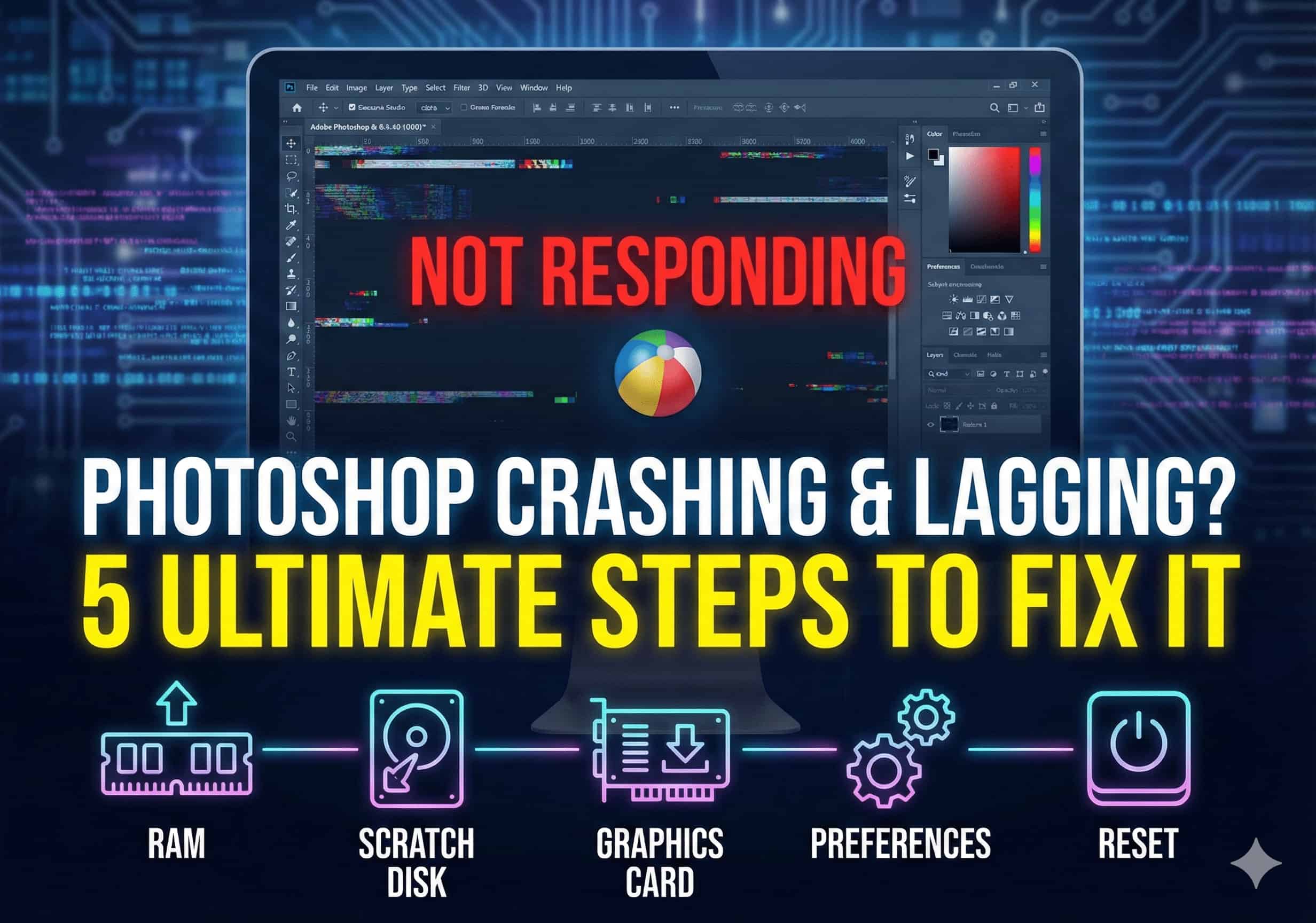
Is your Photoshop constantly freezing, lagging, or crashing unexpectedly? This guide provides 5 proven solutions to fix your performance issues. Learn how to optimize RAM settings, clear your scratch disk, and update GPU drivers to restore a smooth and flawless design workflow.
2026-02-24 05:55:17
Experiencing installation failures or "Error Code 205" in Adobe Creative Cloud? This frustrating issue is usually caused by residual files from pirated software modifying your system's Hosts file. Learn 4 proven steps—including editing the Hosts file and using the official CC Cleaner Tool—to fix Error 205 permanently and resume your downloads.